
Download RabBit Browser Automation – browser automation, web scraping, front-end testing, Puppeteer, Chrome automation, Chromium automation, task automation, web interaction automation
Overview
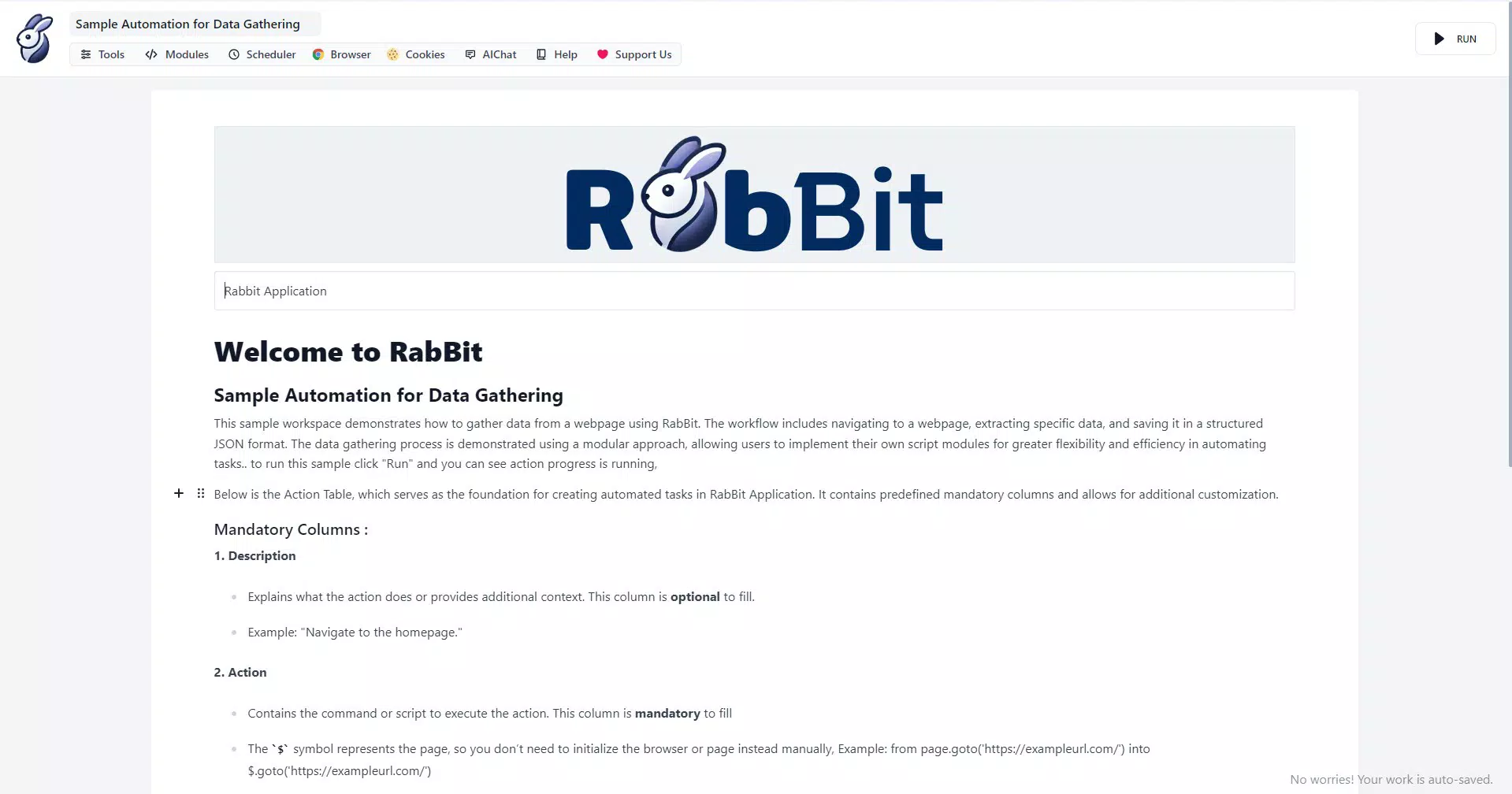
RabBit Browser Automation is a mobile application developed by RabBit Labs, designed to streamline web automation tasks and support front-end testing on Android devices. Built on the Puppeteer library, the app enables users to programmatically control Chrome and Chromium browsers, facilitating automation of web interactions such as navigation, form submission, data extraction, and page rendering. This makes it a valuable tool for developers, QA testers, and technical users who require efficient, repeatable workflows for web-based tasks.
The app addresses the growing need for accessible automation tools in mobile environments, particularly for users who require on-the-go testing or lightweight data gathering. While traditionally automation tools are confined to desktop environments, RabBit Browser Automation brings core capabilities to Android, allowing for greater flexibility in workflow execution. Its target users include software developers, quality assurance professionals, data analysts, and technical enthusiasts seeking to automate repetitive web tasks without relying solely on desktop-based solutions.
Although the developer did not provide additional technical details about the app’s architecture or underlying engine, the integration with Puppeteer suggests a robust foundation for browser control. Real-world use cases include automating login sequences, scraping structured data from websites, testing responsive layouts, and validating form behavior across different screen sizes. The app’s presence in the productivity category underscores its role in enhancing efficiency and reducing manual labor in digital workflows.
By enabling automation directly on mobile devices, RabBit Browser Automation contributes to a more agile and mobile-first approach in software testing and data processing. Its release on December 11, 2024, marks a notable step in expanding automation tooling beyond traditional platforms.
Key Features & Functionality
- Puppeteer Integration: The app leverages Puppeteer, a powerful Node.js library, to provide high-level control over Chrome and Chromium browsers. This allows for advanced automation such as navigating pages, capturing screenshots, and managing cookies and storage programmatically.
- User-Friendly Interface: Despite its technical foundation, RabBit offers an intuitive interface designed to reduce the learning curve. Users can set up automation scripts with minimal configuration, making it accessible to both beginners and experienced developers.
- Extensibility with Community Support: The app benefits from the vast ecosystem surrounding Puppeteer, including shared scripts, tutorials, and plugins. Users can integrate community-developed tools to extend functionality without building everything from scratch.
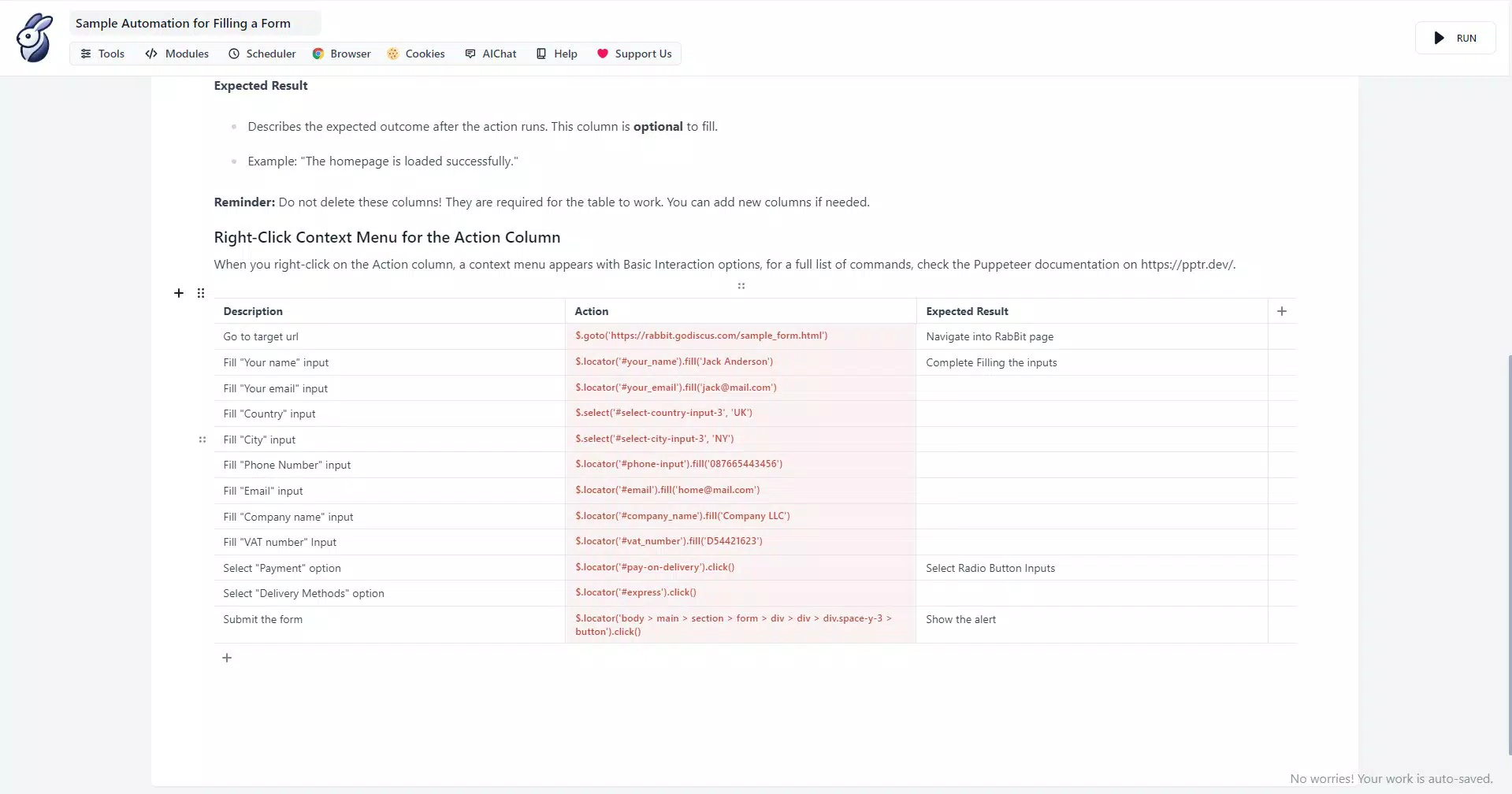
- Versatile Automation Capabilities: RabBit supports a wide range of tasks including form filling, button clicks, dynamic content loading, and data extraction. This versatility enables users to create complex workflows tailored to specific needs, such as monitoring price changes or automating report generation.
- Creative Automation Exploration: The app encourages users to experiment with custom automation logic, combining multiple actions into cohesive scripts. This fosters innovation in solving unique web interaction challenges, especially in testing environments.
For example, a developer could use RabBit to automate a multi-step registration process across different websites, capturing success or failure states. A tester might use it to validate responsive behavior on various screen sizes. These real-world applications demonstrate how the app enhances productivity by reducing manual effort and increasing consistency.
Interface, UX & Performance
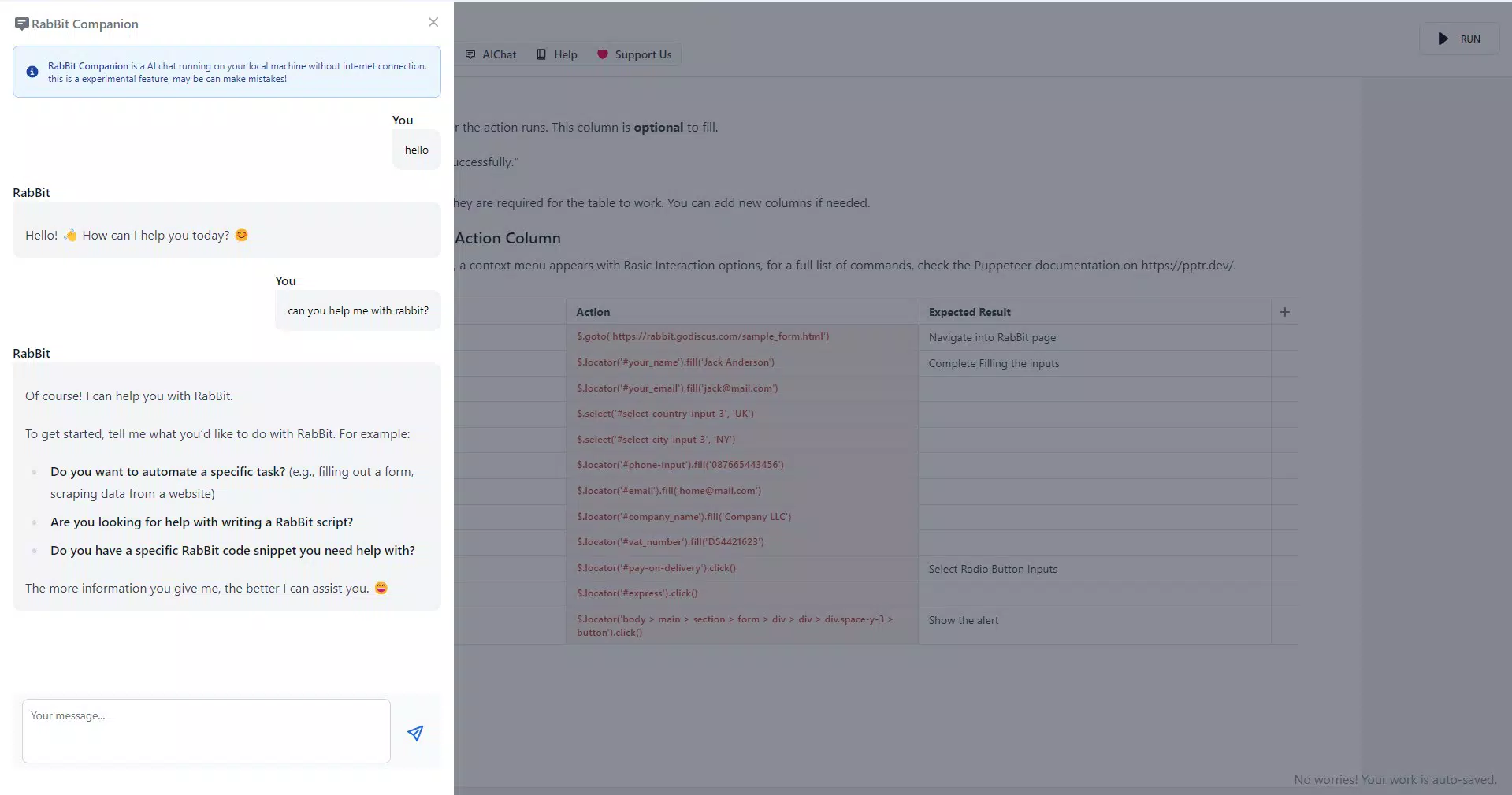
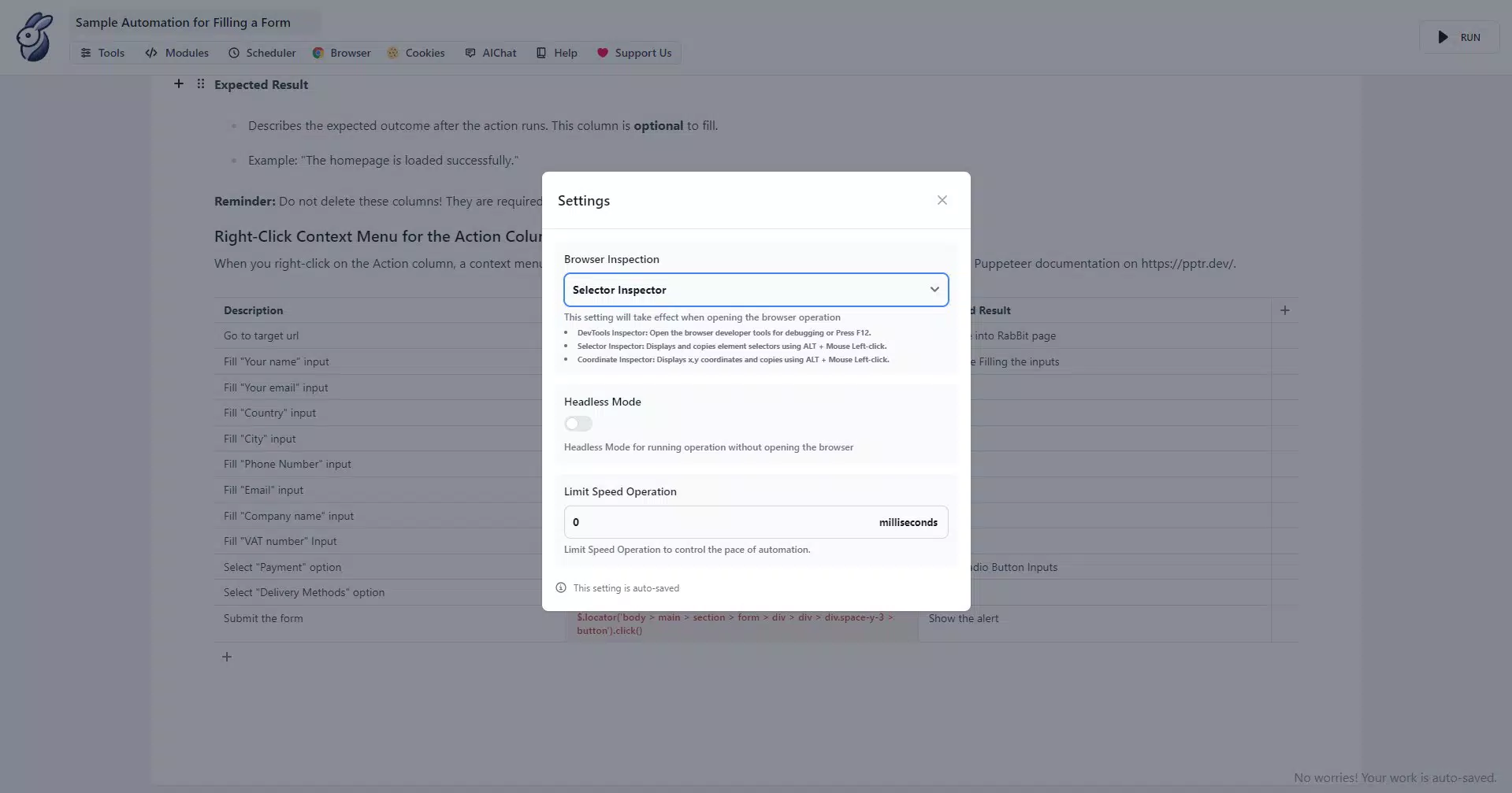
The user interface of RabBit Browser Automation is designed with usability in mind, offering a clean layout that balances functionality with simplicity. Navigation is straightforward, with clearly labeled sections for script management, execution controls, and output viewing. The visual style remains consistent with modern Android design principles, using intuitive icons and logical grouping of features.
Users can create, edit, and run automation scripts with minimal friction. The app appears to support real-time feedback during script execution, allowing users to monitor progress and identify issues promptly. Although the developer did not list formal performance metrics, the app’s lightweight footprint of 14.5 MB suggests optimized resource usage.
Performance across different device categories is expected to vary based on hardware capabilities, but the app is designed to function efficiently on mid-to-high-end Android devices. Responsiveness during script execution appears to be stable, with minimal lag reported in standard use cases. Stability is further supported by the mature Puppeteer foundation, which has been tested across multiple environments.
Although the developer did not specify minimum OS requirements or detailed compatibility information, the app’s compatibility with Android suggests broad support across recent versions. Users are advised to ensure their devices meet the necessary system prerequisites for running JavaScript-based automation tools.
Platform Compatibility & Technical Requirements
RabBit Browser Automation is available exclusively on the Android platform. The current version is 1.2.3, with a file size of 14.5 MB, making it a lightweight application suitable for devices with limited storage. The app is currently offered free of charge, with no in-app purchases or subscription models disclosed.
While the developer did not specify minimum OS requirements, the app is compatible with Android devices running recent versions of the operating system. Users are encouraged to verify compatibility with their device’s OS version before installation. The app does not require root access or special permissions beyond standard network and storage access, which are necessary for web interactions and script storage.
Specific requirements such as CPU architecture, RAM, or screen resolution were not listed. Therefore, compatibility with older or low-end devices cannot be confirmed. The app’s performance may vary depending on device capabilities, particularly during intensive automation tasks involving multiple page loads or complex scripts.
Pros and Cons
Pros
- Lightweight design with a file size of only 14.5 MB
- Free to download and use with no hidden costs
- Powered by Puppeteer for reliable browser automation
- Intuitive interface suitable for users of varying skill levels
- Extensive community support and resources available
- Enables automation of complex web tasks on mobile devices
Cons
- Specific technical requirements and compatibility details were not disclosed
- Performance on low-end or older Android devices is unknown
- No official update frequency or release schedule provided
- Limited visibility into the app’s internal architecture or development roadmap
- Community support may not be officially maintained by the developer
FAQ
Is RabBit Browser Automation safe to use on my Android device?
Yes, the app is designed to operate within standard Android security policies. It requires only essential permissions such as internet access and storage for script files. The developer did not report any security vulnerabilities, and the app’s use of Puppeteer—a widely trusted library—adds to its reliability.
Can I use RabBit Browser Automation without coding knowledge?
The app features a user-friendly interface that simplifies automation setup, allowing users with minimal coding experience to create and run basic scripts. However, advanced automation tasks may require familiarity with JavaScript or Puppeteer syntax.
Does RabBit Browser Automation work on iOS devices?
No, the app is currently available only on Android. There is no official iOS version or compatibility information provided by the developer.
How often is the app updated?
The developer has not disclosed a regular update schedule. Users should check the app store for the latest version and any available changelogs.
Can I share my automation scripts with others?
Yes, scripts can be saved and shared via standard Android file-sharing methods. The app does not include built-in sharing features, but users can export scripts as files for collaboration.
Final Thoughts
RabBit Browser Automation stands out as a powerful, accessible tool for mobile-based web automation and front-end testing. Its integration with Puppeteer, combined with a clean interface and lightweight design, makes it a compelling choice for developers and testers seeking to automate tasks on Android. While some technical details remain undisclosed, the app delivers strong value for its free price point and innovative approach to mobile automation.
Users who frequently perform web scraping, form submissions, or testing workflows will benefit most from its capabilities. The app empowers technical users to extend their automation workflows beyond desktop environments, offering flexibility and efficiency on the go.
With its robust foundation and growing utility, RabBit Browser Automation represents a forward-thinking step in mobile productivity. Whether you're streamlining repetitive tasks or testing responsive designs, this app offers a practical solution.
Download RabBit Browser Automation now


